Carrying Proof of License on Your Phone
There’s nothing quite like the heart-dropping moment when you reach for your New Hampshire hunting license, only to realize it’s not where you thought you put it. Whether it’s lost in a jacket pocket, waterlogged from a sudden downpour, or simply forgotten on the kitchen counter, the stress of being in the field without proof of your legal right to hunt is a feeling no one enjoys. This guide will walk you through the modern solution: confidently carrying and presenting your New Hampshire hunting license directly on your phone, ensuring you’re always prepared for the unexpected.
The Evolving Landscape of Hunter Documentation
For generations, the physical hunting license was a rite of passage, a tangible piece of paper or card that represented your legal privilege to pursue game. But just like every other aspect of our lives, hunting documentation is rapidly evolving, moving towards more convenient and resilient digital formats.
The Shift from Paper to Digital
Think back to the days of fumbling through a wallet or digging deep into a vest pocket, trying to find that crumpled piece of paper that was your hunting license. It was susceptible to tearing, fading, or outright loss, especially during a rugged day in the field, perhaps navigating the thick timber during New Hampshire's November Firearms Deer Season or braving a downpour while Waterfowl Hunting New Hampshire's Two Zones. The anxiety of losing that precious document, which you likely acquired after diligently researching New Hampshire Hunting Licenses and What They Cost and completing your New Hampshire Hunter Education Requirements, was real. Replacing it often meant a trip to a vendor or waiting for a mail-in replacement, costing time and potentially missing valuable hunting days.
Technology has offered a welcome reprieve from these frustrations. Modern smartphones, with their high-resolution screens and robust storage capabilities, provide a reliable platform for carrying all your essential documents. This shift isn't just about convenience; it's about reducing the risk of loss, offering immediate access to your credentials, and often simplifying the process of updating or displaying your information. Many states, including New Hampshire, have embraced this evolution, recognizing the practicality and security that digital documentation can offer to hunters. It's a testament to how traditional outdoor pursuits are adapting to leverage the best of modern innovation, making the hunting experience smoother and less prone to easily avoidable headaches.
New Hampshire Fish and Game's Stance on Digital Proof
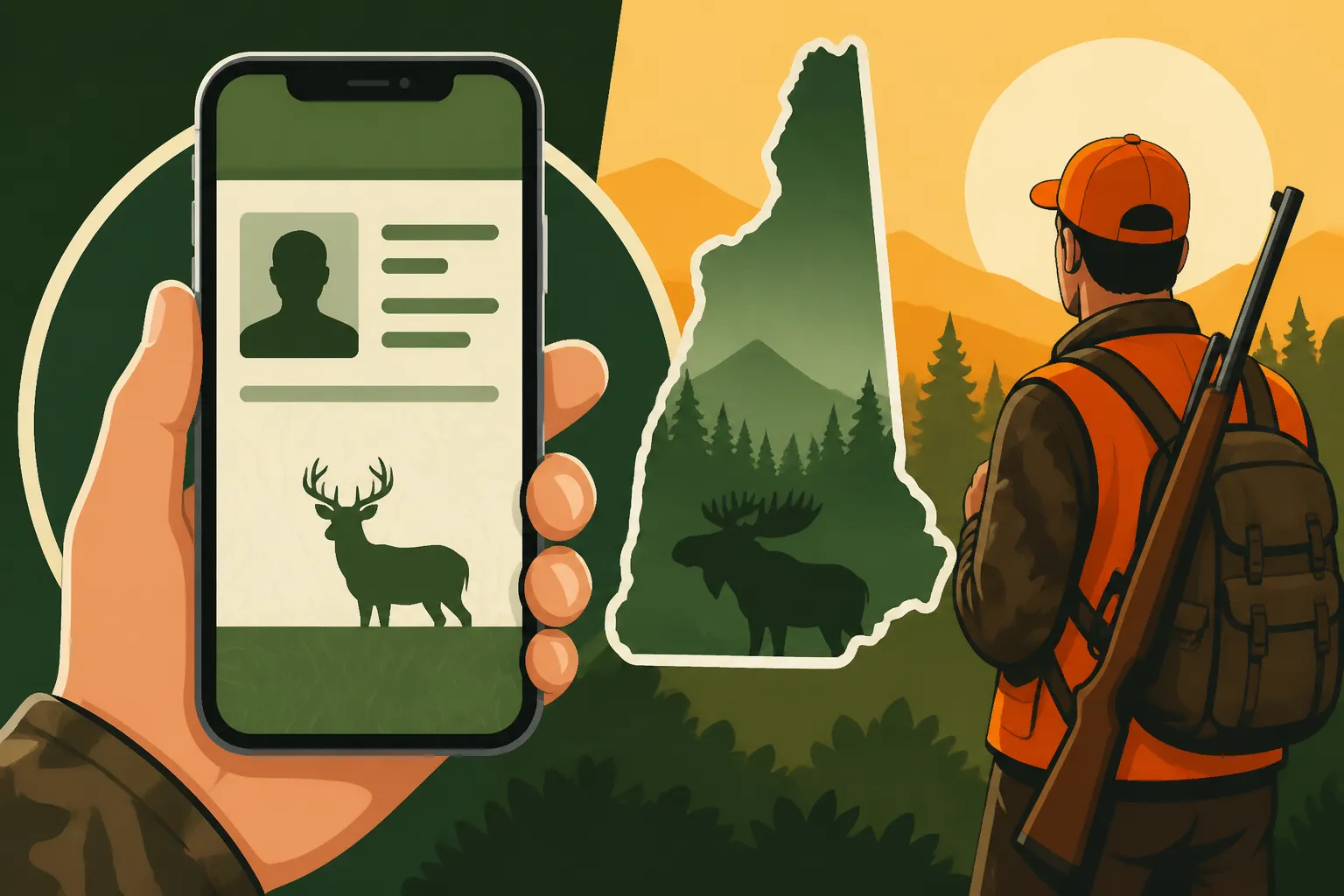
New Hampshire Fish and Game has kept pace with these technological advancements, understanding that hunters need flexible and dependable ways to carry their credentials. According to current regulations, a hunter can indeed carry a clear, legible digital image of their license, permits, and tags on a mobile electronic device. This is a significant relief for many, removing the constant worry about a physical document.
However, "digital proof" isn't a free-for-all. It's crucial that the image is a true and accurate representation of your official license and any necessary permits, like those for bear or turkey. A simple photo of a license from five years ago won't cut it. It needs to be current, clearly displaying your name, license number, and the valid dates. This means if you're out Hunting New Hampshire's Archery Season Into December, your digital proof must reflect your current archery license. While a digital copy is convenient, wardens expect to see information that is easily verifiable, complete, and up-to-date. They're looking for the same information they'd find on a physical license – a valid permit for the species you're pursuing in the correct New Hampshire's WMU-Based Deer Season Structure or bear zone, for example. So, while your phone acts as your wallet, ensure the contents are just as legitimate and accessible as if they were printed on paper.
Practical Strategies for Digital License Management
Embracing digital documentation means adopting a few new habits. It’s not just about having your license on your phone, but having it ready and accessible in the unpredictable environment of the New Hampshire woods.
Utilizing the Official New Hampshire Fish and Game App
The most straightforward and recommended method for digital license management in the Granite State is through the official New Hampshire Fish and Game app. This application is specifically designed to provide hunters and anglers with easy access to their licensing information, season dates, regulations, and other critical resources right in their pocket. Once you've purchased your license, perhaps through Buying a License Through New Hampshire's Online Portal, your credentials are often available directly within the app, linked to your profile.
To get started, simply download the official NH Fish and Game app from your device’s app store. After installation, you’ll typically log in using the same credentials you use for the online licensing portal. From there, you can navigate to a section that displays your active licenses and permits. The beauty of this approach is that the app keeps everything consolidated and official. You're not relying on a grainy screenshot; you're accessing your official data. This can be especially helpful when you need to quickly reference specific rules or show a game warden your proof of license. Beyond just licenses, the app often provides other useful features, like a platform for New Hampshire Deer Reporting Requirements, making it a comprehensive tool for the modern hunter. Many dedicated outdoorsmen also leverage advanced mapping platforms like GoHunt for their robust mapping and data features, which often integrate license information or allow for easy upload of digital documents, offering an added layer of convenience when you're out in the field. Having your license readily available on your device, whether directly through the official app or a saved document, is a game-changer for reducing field anxiety.
Best Practices for Offline Access and Backup
One of the biggest concerns for hunters relying on their phones is the inevitable lack of cell service in many prime hunting spots across New Hampshire. You might be deep in the White Mountain National Forest, miles from the nearest signal tower, or tucked into a remote corner of the North Country. If you can't load your app or access an online PDF, your digital license is useless. This is why offline access is absolutely paramount.
The simplest and most effective strategy is to save a high-resolution screenshot or a PDF copy of your valid license and permits directly to your phone’s photo gallery or a dedicated "Hunting Docs" folder. Most official apps, including the NH Fish and Game app, also have an option to save or download your license for offline viewing, or they cache the information automatically once you've viewed it. Always confirm that it's actually accessible without a signal. Turn off your Wi-Fi and cellular data, then try to pull up your license. If it appears, you're good to go. Beyond your phone, consider a secondary digital backup. You could email a copy to yourself or save it to a cloud storage service like Google Drive or Dropbox. While these require internet access to retrieve, they offer a fail-safe if your primary device is lost or damaged. Another smart move is to carry a small, waterproof flash drive in your pack with your license scanned onto it, just in case. When you're using detailed mapping apps like GoHunt to navigate remote areas or Finding New Hampshire Property Lines, having your license details available offline is just as crucial as having your maps. Planning for no signal is just part of hunting preparedness.
Preparing for Game Wardens and Checkpoints
Encountering a New Hampshire Fish and Game Warden is a routine part of hunting, and they play a vital role in wildlife management and safety. When they ask to see your license, they expect a clear, immediate presentation of your valid credentials. Presenting a digital license should be as smooth and straightforward as handing over a physical one.
First and foremost, have your license readily accessible. Don't make the warden wait while you scroll through social media or search your emails. Know exactly where your saved image or app is on your phone. If you're using the official app, open it directly to your license display. If you've saved a screenshot or PDF, have it favorited or in a easily findable folder. Ensure your phone screen is clean, bright, and undamaged so the warden can clearly read all the necessary information, including your name, license number, and the specific stamps or permits you hold (e.g., archery, muzzleloader, turkey). Be prepared to scroll through multiple pages if your license includes several permits. A game warden is primarily looking for proof that you are legally authorized to hunt the species, in that location, on that particular day. They're also checking for adherence to New Hampshire's CWD Prevention Rules, which sometimes involves specific tags or reporting. In the rare event your phone battery dies or your screen is damaged beyond readability, explaining the situation calmly and having a physical backup (even if just a small paper printout in your wallet) can go a long way. Ultimately, respect and efficiency are key. Make it easy for the warden to do their job, and your digital license will be perfectly acceptable.
Addressing Common Concerns and Troubleshooting
While carrying your hunting license on your phone offers unparalleled convenience, it also introduces a new set of considerations that require a bit of foresight and preparation.
Battery Life and Device Reliability in the Field
Anyone who's spent a full day out in the New Hampshire woods knows that reliable battery life can be a major challenge, especially for a smartphone exposed to cold temperatures or constant use. Modern phones, with their bright screens and powerful processors, can drain quickly, and a dead phone means a useless digital license. This is a common frustration, particularly when you're relying on your device not just for your license, but also for navigation, weather updates, or even communicating vital information about Tracking a Deer in Fresh White Mountain Snow.
To mitigate this, there are several strategies. A high-capacity portable charger (power bank) is an absolute must-have for any hunter relying on their phone. Keep it charged and in your pack. Using your phone in airplane mode whenever possible drastically conserves battery, as it stops the device from constantly searching for a signal. Only turn on cellular data or Wi-Fi when absolutely necessary. Lowering screen brightness, closing unnecessary apps running in the background, and avoiding constant checks of social media also help. During colder hunts, like those covered in Cold-Weather Sitting Strategy in the North Country, keep your phone close to your body heat (an inside pocket) to prevent the battery from rapidly depleting due to the cold. The internal battery of phones is very sensitive to low temperatures. A robust mapping application like GoHunt, while incredibly useful for navigation and scouting, also needs power, so managing your device's battery is key for all digital tools. Thinking proactively about your phone's power situation is just as important as checking your rifle's zero or your broadhead's sharpness.
Device Damage and Loss Contingencies
Another significant concern when going all-digital is the risk of damaging or losing your phone while out in the rugged terrain of New Hampshire. Drops, water exposure, or misplacing your device in the dense underbrush can quickly turn a convenient solution into a major problem. Imagine slipping on a granite rock face while Still-Hunting White Mountain National Forest Timber and your phone goes flying. What then?
It's crucial to have contingencies in place. Invest in a durable, waterproof, and shockproof case for your phone. Brands like OtterBox or LifeProof offer excellent protection against the elements and accidental drops. Beyond physical protection, consider how you’d access your license if your primary device is compromised. One simple backup is a laminated printout of your license and permits stored in a waterproof bag within your hunting pack or vehicle. This physical copy, even if rarely needed, provides peace of mind. You could also log into your online NH Fish and Game account from a friend’s phone or a public computer to retrieve your license information if absolutely necessary. Additionally, having a clear recovery plan for a lost phone, such as using a "Find My Device" feature, can save a lot of headaches. Many hunters even use GoHunt to help mark their vehicle's location, which can be invaluable if your primary device goes missing and you need to get back to a spare license or head back to civilization. Preparing for the worst-case scenario with your device ensures that a mishap doesn't derail your hunt or put you in a non-compliant situation.
When Digital Isn't Enough: Specific Scenarios
While New Hampshire has largely embraced digital proof, there are still a few niche scenarios or practical considerations where a physical copy might be beneficial, or even necessary. These aren't common, but being aware of them ensures you're never caught off guard.
Firstly, some private landowners, particularly those who are more traditional, might specifically request to see a physical copy of your license when granting permission to hunt their property. While a digital display is legally sufficient, having a printed version on hand can simplify interactions and show respect for their preferences. Secondly, while you can view your permits digitally, you'll still need to follow New Hampshire Deer Reporting Requirements, which may involve using the app or the online portal, or in some cases, going in person, even if you are using GoHunt for navigation. For species requiring a physical tag that must be affixed to the animal (like a moose tag if you're lucky enough to draw one for Moose Hunting New Hampshire's North Country), your phone cannot replace this physical requirement. You'll need the actual tag to comply with legal dressing and transport rules.
Another consideration arises if you plan to hunt in a neighboring state where digital license acceptance might differ, or if you are transporting game across state lines. Always check the regulations of any other state you intend to hunt in or travel through. While New Hampshire has a progressive stance, not all jurisdictions are the same. Finally, consider situations where you might need to leave your phone in your vehicle for security reasons or to conserve battery. In these cases, a physical copy in your wallet or pack serves as your immediate proof in the field. It’s always about being prepared for every eventuality, ensuring that your digital convenience doesn't inadvertently lead to a compliance issue.
Here’s a quick overview comparing physical and digital license proof:
| Feature | Physical License | Digital License (on Phone) |
|---|---|---|
| Accessibility | Always present if carried (no battery needed) | Instant access via app/photo (if phone works) |
| Durability | Susceptible to tearing, fading, water damage | Dependent on phone's durability and case |
| Loss Risk | Easy to lose, misplace, or forget | Phone can be lost, damaged, or battery can die |
| Offline Use | Always available offline | Requires prior download/caching for offline access |
| Verification | Universally recognized by wardens | Widely accepted by NH F&G; clarity and legibility essential |
| Updates | Requires new printout for changes/renewals | Automatically updates via app (with service) |
| Backup | Print multiple copies | Cloud storage, screenshots, secondary device |
| Cost | Initial license cost, possible reprint fees | Initial license cost, cost of smartphone/accessories |
Ultimately, carrying your New Hampshire hunting license on your phone is a fantastic modern convenience that enhances the hunting experience. Just remember to treat your phone not just as a communication device, but as a critical piece of hunting gear, deserving of the same preparation and care as your rifle or bow.
Disclaimer
Please remember that hunting regulations can change. While this guide provides current information based on New Hampshire Fish and Game policies, it is always your responsibility to consult the official New Hampshire Fish and Game Digest or their website for the most up-to-date and complete regulations before heading into the field.