Best SD Card Setup for a Trail Camera
We've all been there: you hike miles into a promising New Hampshire deer stand, full of anticipation, only to pull your trail camera's SD card and find nothing but blurry images, corrupted files, or worse, a card that simply won't read. It's incredibly frustrating, a true punch to the gut after all that effort, leaving you with more questions than answers about what's moving through your hunting grounds. This guide is dedicated to helping you master your trail camera's SD card setup so you can avoid those heartbreaking moments and ensure you capture every vital piece of scouting intelligence.
The Frustration of Unreliable SD Cards: Why Your Trail Camera Deserves Better
There’s little more disheartening than a scouting mission thwarted by faulty gear. You invest time, effort, and money in setting up trail cameras, hoping to gain an edge, understand local deer patterns, or perhaps catch a glimpse of that elusive North Country moose. When the SD card, the very heart of the data collection, fails you, it feels like all that effort was for naught. It’s not just about missing a single photo; it’s about losing valuable intel that could impact your entire season.
The Cost of Missed Opportunities
Imagine you've been monitoring a promising pinch point along a beaver flowage edge, hoping to identify a mature buck's travel patterns. You check your camera, anticipating a trove of intel, only to find the SD card is corrupted. All the images from a week of prime rut activity, potentially showing that once-in-a-lifetime deer, are gone. This isn't just an inconvenience; it's a profound loss of opportunity. Without reliable data, you're essentially hunting blind, missing out on crucial details like the time of day deer are most active, which direction they're traveling, or if a specific food source is drawing them in. This lack of information can lead to missed encounters, incorrect stand placements, and ultimately, a less successful and less enjoyable hunt. For those of us who spend countless hours in the woods, these missed opportunities sting deeply, making reliable gear, especially something as simple as an SD card, absolutely non-negotiable.
Common SD Card Woes in the Woods
Trail cameras operate in some of the most unforgiving environments, from the biting cold of a December muzzleloader hunt to the damp, humid days of early archery season. These conditions are brutal on electronics, and SD cards are no exception. One of the most common issues is slow write speeds, which can lead to blurry photos of fast-moving game or, even worse, the camera completely missing a second or third animal in a string. Another frequent complaint is card corruption, often due to improper removal, extreme temperature fluctuations, or simply a low-quality card failing under stress. We also deal with cards filling up too quickly, especially if you have a camera in a high-traffic area or set to capture video, leaving you with days or weeks of empty files right when a big buck might have walked by. Understanding these common failures is the first step toward preventing them and ensuring your scouting efforts pay off.
Decoding SD Card Specs: What Really Matters for Trail Cameras
Navigating the world of SD card specifications can feel like deciphering a secret code. There are so many numbers, letters, and symbols – "Class 10," "UHS-I U3," "V30" – it's enough to make your head spin. But understanding these specs is crucial, as they directly impact your trail camera's performance and the reliability of your captured data. Choosing the right card isn't about buying the most expensive option; it's about matching the card's capabilities to your camera's demands and the harsh realities of a New Hampshire hunting season.
Speed Class and UHS Ratings
When you look at an SD card, you'll often see a "Class" rating (e.g., Class 10) and a "UHS Speed Class" (e.g., U1 or U3). These numbers refer to the minimum sequential write speed of the card. Why does this matter? Trail cameras often need to write data quickly, especially when taking burst photos or high-definition video. If your card is too slow, the camera's buffer can fill up, causing it to miss frames, take blurry pictures, or delay before it can capture another image.
- Class 10: This means a minimum write speed of 10 MB/s. For most basic trail cameras taking standard resolution photos, a Class 10 card is usually sufficient.
- UHS Speed Class 1 (U1): Also indicates a minimum write speed of 10 MB/s, but it utilizes the Ultra High Speed (UHS) bus interface, which allows for faster theoretical maximum speeds. Good for 1080p video.
- UHS Speed Class 3 (U3): This guarantees a minimum write speed of 30 MB/s. If your trail camera records 4K video or takes rapid-fire burst photos, a U3 card is what you need to ensure smooth, uninterrupted recording and clear images.
Always check your camera's manual to see what speed class it recommends. Investing in a slightly faster card than recommended can often provide a buffer for peak performance, especially as cards age or operate in extreme temperatures.
Capacity: How Much is Enough?
The capacity of an SD card, measured in gigabytes (GB), determines how many photos or how much video it can store before it's full. This is a crucial consideration, especially if you're deploying cameras in remote spots where retrieval isn't frequent, like deep in the White Mountain National Forest.
- 32GB: A solid all-around choice for many hunters. If your camera takes primarily still photos and you check it every 2-4 weeks, a 32GB card is often plenty. It's a good balance of cost and storage.
- 64GB: A step up for those who run cameras in high-traffic areas, set them to video mode, or can only retrieve them monthly or less. This provides a comfortable cushion without being excessively expensive.
- 128GB (or higher): If you're running cellular trail cameras that might buffer images before sending, or if you're recording extensive 4K video and plan very infrequent checks, a 128GB or even 256GB card might be warranted. However, remember that a larger capacity card means more data to potentially lose if the card fails.
It's tempting to just grab the biggest card you can find, but consider your typical camera settings and retrieval schedule. A 32GB card changed out every two weeks might be more reliable and budget-friendly than a 128GB card left unattended for two months, especially if you're trying to track specific deer movement patterns over time. Many hunters also use mapping platforms like GoHunt to mark their camera locations, which makes retrieving SD cards a breeze and helps manage capacity by allowing more frequent checks.
Durability and Reliability
Beyond speed and capacity, the physical robustness and inherent reliability of an SD card are paramount, particularly when facing New Hampshire's varied and sometimes brutal weather. You’re not just looking for a card that works in perfect conditions; you need one that will perform flawlessly when temperatures plummet during deer season or when humidity is high in early fall.
Consumer-grade SD cards, while fine for indoor digital cameras, are often not built to withstand the rigors of outdoor exposure. Look for cards that are marketed as "industrial grade" or specifically designed for extreme conditions. These often feature enhanced resistance to:
- Temperature: Standard cards might struggle or fail in temperatures below freezing or above 100°F. Cards rated for a wider operating temperature range (e.g., -13°F to 185°F) are ideal for New Hampshire's seasons.
- Water and Humidity: While the camera housing protects the card slot, any moisture ingress or high humidity can cause issues. Water-resistant or waterproof cards offer an extra layer of protection.
- Shock and Vibration: Cameras get jostled during setup, sometimes fall, and are constantly exposed to environmental vibrations. A shock-proof card is less likely to suffer internal damage.
- X-ray and Magnetism: While less common issues for trail cameras, these protections are indicators of overall build quality.
Brands known for their reliability in rugged environments, even if slightly more expensive, can save you countless headaches and missed opportunities. Prioritizing durability in your SD card choice is an investment in consistent data capture, allowing you to focus on Scouting New Hampshire Public Land Before Season rather than worrying about your gear.
Best Practices for SD Card Management in the Woods
Even with the best, most durable SD cards, their performance and longevity heavily depend on how you manage them. A little bit of care and a consistent routine can make all the difference between a successful season of intel gathering and a frustrating cycle of missed photos and corrupted files. Think of it like maintaining your hunting rifle; a bit of preventative maintenance goes a long way.
Proper Formatting is Key
This is arguably the most critical step for SD card longevity and reliability, yet it’s often overlooked. When you delete files from your computer or simply reuse a card that's been sitting, you're not fully preparing it for your trail camera. The best practice is always to format your SD card IN THE CAMERA that you'll be using it in.
Here's why:
- Camera-Specific File System: Each trail camera brand, and sometimes even models within a brand, uses a slightly different file system structure. Formatting the card in the camera ensures it's set up perfectly for that specific device, minimizing compatibility issues and potential corruption.
- Full Erase: Formatting in the camera performs a "low-level" format, completely erasing all previous data and restructuring the card's file system from scratch. This helps to eliminate fragmented files, bad sectors, and hidden errors that can accumulate over time, leading to slow performance or corrupt images.
- Consistency: Get into the habit of formatting every single time you insert a "new" card into a camera, even if it's one you just pulled from another camera. This maintains a clean slate and maximizes performance.
Avoid formatting cards on your computer unless absolutely necessary, and if you do, ensure you use the correct file system (usually FAT32 or exFAT, depending on card size and camera spec) and perform a "full" format, not just a quick one.
The Rotation System: A Workflow for Data Management
To truly maximize your trail camera efficiency and minimize data loss, implement an SD card rotation system. This isn't just about having spare cards; it's about a systematic approach to how you handle your data.
- Multiple Cards: Have at least two SD cards per camera you operate. Ideally, aim for three or four.
- Labeling: Label each card with a unique identifier (e.g., "Camera 1 – Card A," "Camera 1 – Card B"). This helps you keep track of which card was in which camera and when.
- The Swap: When you visit a camera, remove the "full" card and immediately insert a freshly formatted (in that specific camera, if possible, or pre-formatted) "empty" card. This ensures the camera is always ready to record.
- Data Download & Review: Take the removed card home. Download all the images and videos to your computer or a dedicated storage device. Take your time to review the footage, looking for patterns, specific deer, and potential stand locations. Tools like GoHunt can be invaluable here for marking specific animal sightings on your digital maps.
- Re-Format: After you've downloaded and backed up your data, then re-format the card, again, preferably in the camera it will be returning to. Now it's ready for its next deployment.
This rotation ensures you always have a fresh card in the field, reduces the risk of accidentally deleting un-downloaded footage, and provides a clear workflow for managing your scouting intelligence. It's a simple system that can save you a world of hurt.
Storage and Protection in the Field
SD cards are tiny and easily lost or damaged. When you're out in the woods, cold fingers, damp conditions, and jostling in a pack can quickly lead to problems. Proper storage in the field is just as important as proper formatting.
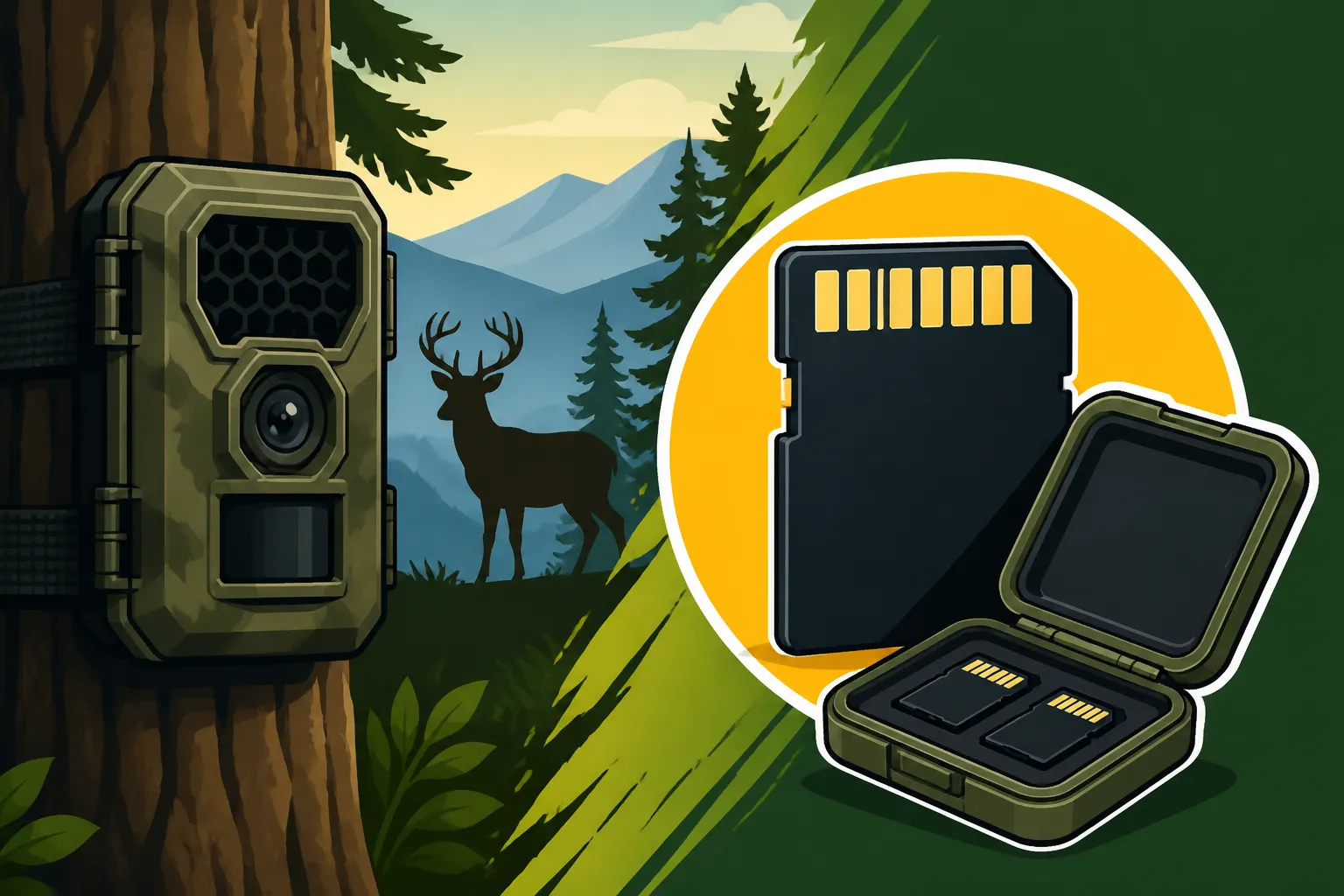
- Protective Case: Invest in a small, durable, waterproof SD card case. These cases often have individual slots for multiple cards, keeping them organized and safe from moisture, dirt, and static electricity.
- Designated Pocket: Always carry your card case in a designated, easily accessible, and secure pocket in your pack or jacket. Avoid loose pockets where cards can fall out or get mixed up with other gear.
- Avoid Extreme Temperatures: While durable cards can handle a range, don't leave them exposed directly to the sun or freezing temperatures for extended periods when not in use. Store them in an interior pocket or within your pack.
- Cleanliness: Before inserting a card into your camera, quickly inspect the contacts for any dirt, debris, or moisture. A quick wipe with a clean, dry cloth can prevent connection issues.
Taking these small steps will ensure your valuable data medium is protected, especially when you're far off the beaten path, potentially Tracking a Deer in Fresh White Mountain Snow or traversing rugged terrain.
Tailoring Your SD Card Strategy to New Hampshire's Demands
New Hampshire isn't just "the woods"; it's a diverse landscape with unique challenges for hunters and their gear. From the freezing North Country winters to the humid, bug-filled summers and the rugged granite terrain, your SD card strategy needs to adapt to these specific conditions to ensure reliable operation.
Adapting to New Hampshire's Weather
Our state's weather can be truly unforgiving, and electronics are often the first to feel the brunt. When selecting and managing your SD cards for New Hampshire hunting, consider these environmental factors:
- Extreme Cold: Winter temperatures, especially in the northern WMUs, can dip well below zero. Many standard SD cards are only rated down to 0°F or 32°F. Look for industrial-grade cards explicitly rated for extended low temperatures, sometimes down to -13°F or lower. Cold can significantly slow down read/write speeds and even cause temporary card failure. If you're running a camera during Hunting the December Archery Close or Hunting Into the December Muzzleloader Close, a cold-resistant card is crucial.
- Moisture and Humidity: Rain, snow, sleet, fog, and just plain high humidity are constants throughout our hunting seasons. While your camera case provides some protection, internal moisture can still affect cards. Opt for cards that boast water resistance, and always store spares in a sealed, waterproof container when in the field.
- Temperature Fluctuations: A warm, sunny morning can quickly turn into a cold, damp afternoon. These rapid temperature swings can cause condensation inside camera housings or on the cards themselves. Cards designed for a wide operating temperature range will be more resilient to these shifts.
Remote Camera Considerations
Many of the best hunting spots in New Hampshire are remote, requiring long hikes or ATV access. If you're deploying cameras far from home, like for Hunting a New Hampshire North Country Moose Bog or Finding Sign in White Mountain Timber, your SD card strategy changes slightly:
- Higher Capacity: Since you might not check these cameras for weeks, or even a month or more, higher capacity cards (64GB or 128GB) become more practical to ensure continuous recording. However, remember the risk/reward of putting all your eggs in one basket.
- Ultimate Reliability: For remote setups, invest in the absolute most reliable, durable, and temperature-resistant cards you can find. A card failure miles from the truck is far more frustrating than one closer to home.
- Cellular Cameras: If you use cellular cameras in remote areas where Cellular Camera Coverage in Remote North Country is available, your SD card becomes a backup storage. Even then, ensure it's a reliable card as cellular connections can be spotty, and local storage is often the primary capture method.
Using Your Data to Plan Your Hunt
Ultimately, the goal of a reliable SD card setup is to gather consistent, accurate data that can directly inform your hunting strategy. Once you have that footage, tools like GoHunt can help you visualize deer movement patterns on your property maps, marking specific buck sightings, travel corridors, and preferred feeding areas. You can overlay your camera data with satellite imagery, topo maps, and land ownership boundaries to create a truly comprehensive scouting picture.
Without good quality, consistently captured data from your SD cards, your analysis will always have gaps. By investing in the right cards, practicing diligent management, and understanding how New Hampshire's environment impacts your gear, you transform your trail cameras from simple photo traps into powerful scouting tools. This empowers you to make smarter, more informed decisions, whether you're planning for Hunting the Rut in Early-to-Mid November or just trying to locate that elusive tom during Calling a May Gobbler Off the Roost. A solid SD card setup is the silent hero of successful modern hunting.
| SD Card Type | Speed Class | Minimum Write Speed | Ideal Use Case for Trail Cameras | Considerations |
|---|---|---|---|---|
| Standard SDHC | Class 10 | 10 MB/s | Basic still photos, low-resolution video, infrequent checks | Generally sufficient for most entry-level cameras, good value. |
| UHS-I (U1) | U1 (Class 10) | 10 MB/s | 1080p video, faster burst photos, good all-around performance | Good balance of speed and cost, suitable for many mid-range cameras. |
| UHS-I (U3) | U3 (Class 10) | 30 MB/s | 4K video, rapid burst shooting, high-resolution photos, remote cameras | Essential for high-performance cameras; offers significant speed boost. |
| UHS-II (V60/V90) | V60/V90 | 60/90 MB/s | Extremely high-end 4K/8K video, advanced cellular cameras with buffering | Overkill for most trail cameras, but offers ultimate future-proofing for speed. |
Disclaimer
This article is for general informational purposes only and does not constitute professional advice. Laws, prices and regulations vary by location and change over time. Consult a qualified professional for guidance on your specific situation.